



Nowadays, video content has become a language of the Internet. Whether you’re a content creator filming Downtown on King Street, a business owner looking to boost his brand online, or a filmmaker trying his best to tell a story in the medium of a video.And when it comes to video editing in Toronto, the city has become a thriving hub where creativity meets world-class production talent.

To get a great video, videography is not the only ingredient. A great video is a recipe that tastes heavenly with a great edit.The choice of right video editing software along with right video effects can make or break a video.
After reading this blog, you’ll have a broader perspective along with great knowledge about video making; from the best video editing programmes and softwares to finding top tier video editing services in Toronto.
The Growing Demand for Video Editing in Toronto
Toronto is one of North America’s most dynamic media cities. With the film industry that’s booming, increasing YouTube creators, an advertising sector that’s continuously growing , and thousands of small businesses competing for digital attention, the demand for skilled professionals and services of video editing in Toronto has never been higher.
Here are some of the industries driving that demand locally:
- Film & Television Production : Toronto hosts major studio productions and independent filmmakers who rely on advanced post-production workflows.
- Corporate Video & Marketing : From Bay Street financial firms to Kensington Market boutiques, businesses need highly engaging video content nowadays for their websites, social media, and presentations.
- Content Creators & Influencers : YouTubers, TikTok stars, and Instagram reels creators of Toronto are highly dependent on clean, engaging edits.
- Event Videography : Generation of huge amounts of videos in events like Weddings, concerts, sports, and conferences needs professional cutting and polishing.
- Education & E-learning : Universities and online course creators are constantly producing instructional, educational and informational video content.
This diverse range of industries ensures that whether you’re a freelancer or a business looking to hire, the market for video editing in Toronto offers tremendous opportunity.
“Toronto has quietly become one of the top cities in North America for video production talent. The mix of film school graduates, tech-savvy freelancers, and international creative agencies makes it one of the best places to grow your career in post-production. — Industry observer, Toronto Film & Media Scene”
Choosing the Right Video Editing Software for Your Needs

Choosing a suitable and highly capable video editing software is one of the first decisions for any editor. And, what makes it great is that there are excellent options across every skill level and budget. The right choice depends on your workflow, your hardware, and the type of content you create.
Top Video Editing Programs Worth Considering :
Adobe Premiere Pro
Widely considered as the industry standard, especially in professional Toronto studios. Premiere Pro integrates seamlessly with Adobe After Effects for advanced video effects and motion graphics. It’s a subscription-based video editor for pc or Mac that provides outstanding performance.
DaVinci Resolve
Beloved by colorists and filmmakers worldwide, DaVinci Resolve offers a free version that’s surprisingly powerful. It’s one of the most feature-rich video editing programs available and is increasingly popular among Toronto’s film community.
Final Cut Pro
A Mac-exclusive favourite among content creators. Final Cut Pro is fast, intuitive, and can manage high-volume editing such as YouTube content or event videos like nothing. It’s a one-time purchase, which appeals to freelancers (mostly students) managing costs.
CapCut & Mobile Editing Tools
For social media focused creators who need quick turnarounds, tools like CapCut and VN perform surprisingly well. They’re ideal for short-form content on TikTok and Instagram Reels.
Filmora
A user-friendly video editor for pc that’s perfect for beginners. It offers drag and drop simplicity with a broad range of built-in video effects and templates, making it an accessible entry point for Toronto-based creators who are just getting started.
“The best video editing software is the one you actually use. Master one tool deeply before jumping to another. Expertise in a single platform is worth far more than surface-level knowledge of five. — Toronto-based post-production educator”
Core Video Editing Techniques Every Editor Should Know
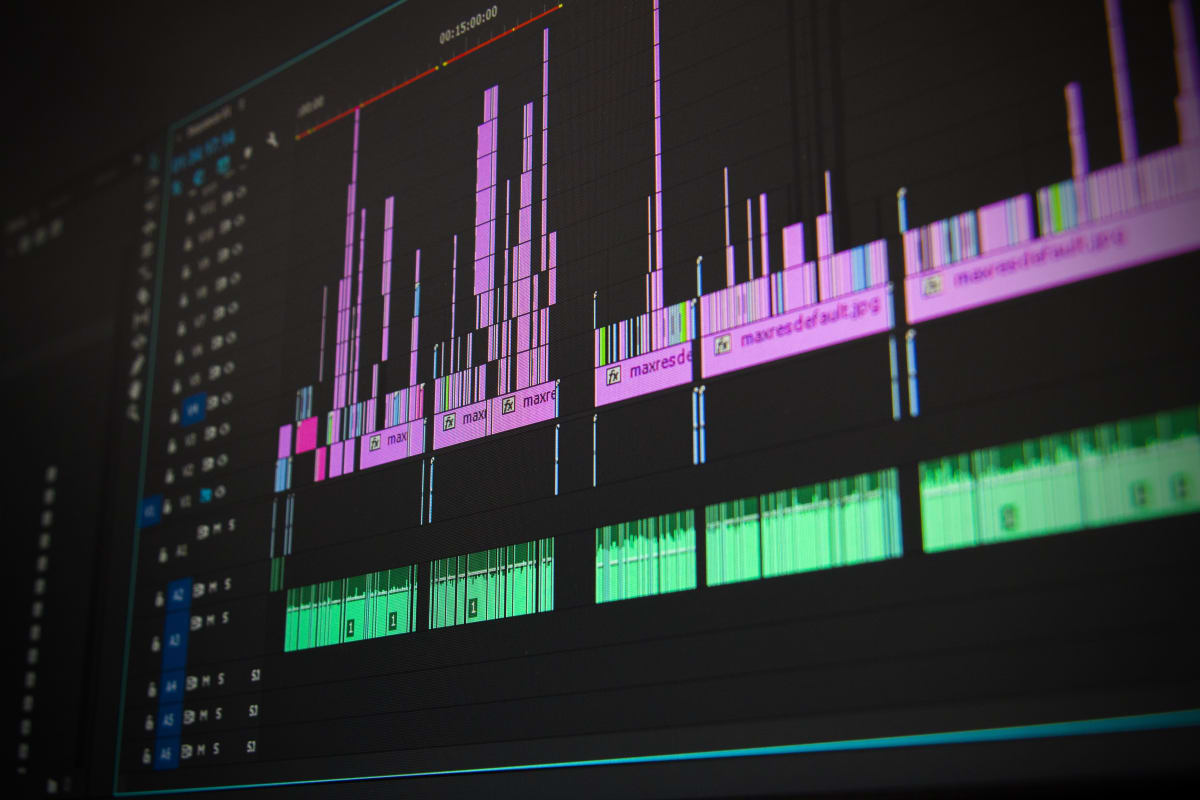
Knowing your software is only half the battle. Great video editing requires understanding of the principles and techniques that make a story come alive. Here are the foundational skills that separate average edits from exceptional ones.
Cutting on Action
Cutting on action means making your edit at the point where a subject is in motion. This helps create seamless transitions that feel natural to the viewer, reducing jarring cuts that break ‘the flow’.
Colour Grading and Correction
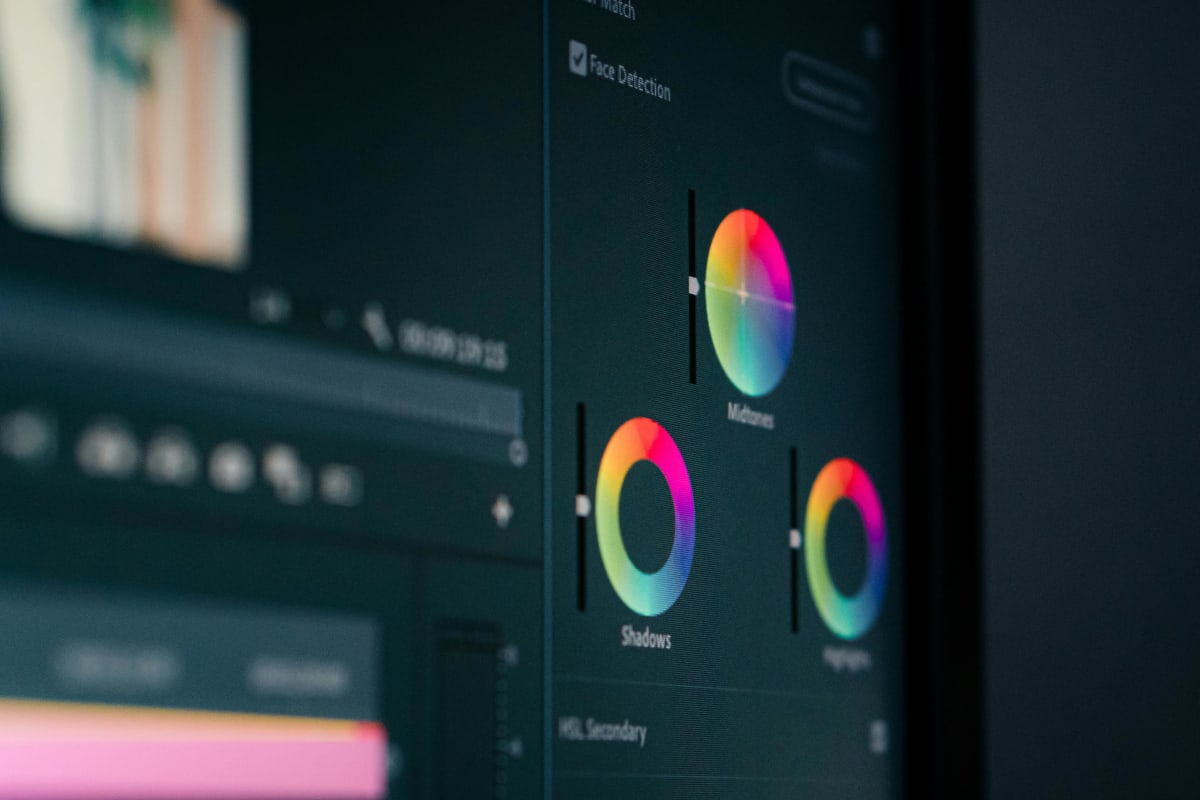
Colour work is what transforms footage from flat and raw to cinematic and polished. Colour correction fixes exposure and white balance issues; colour grading applies a stylistic look. Both are essential skills for any serious editor working on video editing toronto projects, especially for branded content where visual consistency matters.
Audio Editing and Sound Design
AMany editors underestimate audio, but the reality is viewers will tolerate poor visuals far more readily than poor sound. Mastering audio levels, cutting out background noise, syncing music to visuals, and adding sound effects; all of these contribute to a professional feel.
Motion Graphics and Titles
Well-designed lower thirds, animated titles, and motion graphics elevate production value significantly. Most professional video editing software includes built-in tools for this. Platforms like After Effects allow for highly customised animated elements.
Pacing and Rhythm
The timing of cuts in a video determines the emotional energy of it. Fast cuts create excitement and energy; slower cuts build tension. Learning to feel the rhythm of a video is something that develops with experience, but it’s one of the most impactful elements of any edit.
What to Look for in a Professional Video Editing Service in Toronto
If you’re a business or creator who doesn’t have the time or skill to edit your own footage, hiring a professional video editing toronto service is an investment that pays off. But not all editors are created equal. Here’s what to look for when choosing the right person or team for your project.
A Strong Portfolio
Always review work samples before hiring. Look for consistency in quality, a range of project types if that matters to you, and a visual style that aligns with your brand or creative vision.
Clear Communication and Revision Process
Professional editors outline a clear workflow: how many revision rounds are included, what the timeline looks like, and how feedback is communicated. Clarity upfront prevents frustrating misunderstandings down the line.
Technical Competence Across Platforms
A strong editor understands the delivery requirements for different platforms. A YouTube video, a broadcast commercial, and a social media reel all have different specs. Your editor should know the difference and deliver accordingly, whether they’re using high-end video editing programs or cloud-based tools.
Local Market Understanding
There’s a real advantage to working with someone who understands the Toronto market. They’ll know local trends, understand the competitive landscape for businesses in the GTA, and may already have connections with local videographers, motion designers, and sound engineers. For clients seeking video editing Toronto services, working locally often means better collaboration and faster turnarounds.
“Finding the right editor is a lot like finding the right business partner. You want someone who gets your vision, communicates clearly, and brings craft to every frame. Don’t just hire for a low price, hire for a good fit. — Toronto marketing consultant”
Tips for Getting Started with Video Editing in Toronto
If you’re new to video editing or just starting to explore it as a career path or creative hobby, here are some practical steps to help you build skills and momentum.
- Start with free software : DaVinci Resolve’s free version is among the most powerful tools available at no cost. It’s a great starting point before committing to a paid platform.
- Follow tutorials from local creators : YouTube is full of excellent tutorial channels run by Canadian and Toronto-based editors. Learning from people who understand the Canadian content landscape can be particularly useful.
- Edit constantly : Like any creative skill, editing improves with practice. Offer to edit for friends, local nonprofits, or student filmmakers to build your portfolio quickly.
- Join local communities : Toronto has a vibrant community of film and media professionals. Meetups, online forums, and industry events are great ways to network, get feedback, and find clients.
- Consider formal training : Institutions like Ryerson (Toronto Metropolitan University), Humber College, and George Brown College all offer film and media production programs with strong post-production components.
- Invest in hardware wisely : A reliable video editor for pc setup matters. Invest in sufficient RAM (16–32GB), a dedicated GPU, and fast storage to keep your workflows smooth.
Video Editing Trends Shaping Toronto’s Creative Industry
The world of video editing toronto isn’t static. Technology and audience behaviour are constantly evolving, and staying ahead of trends helps editors and businesses remain competitive.
AI-Powered Editing Tools
Artificial intelligence is entering the editing suite. Tools like Adobe’s Sensei AI, Descript’s text-based editing, and various auto-captioning platforms are changing how editors work. AI won’t replace skilled editors, but it’s making repetitive tasks faster and freeing up time for creative decisions.
Vertical Video and Short-Form Content
The rise of TikTok, Instagram Reels, and YouTube Shorts has shifted a significant portion of the market toward vertical, short-form content. Editors who understand the unique storytelling constraints of 60-second vertical videos are in high demand. This has also influenced how video effects are applied with more emphasis on bold, fast-moving motion graphics that capture attention instantly.
Remote Collaboration
Post-pandemic, much of Toronto’s video production world has embraced remote collaboration. Cloud-based review tools like Frame.io and Wipster have become standard, allowing clients and editors to communicate efficiently across the city or across time zones.
Sustainability and Local Production
As the local creative economy grows, there’s increasing emphasis on supporting Toronto-based talent and keeping production budgets local. This is good news for editors building careers in the city. Clients are increasingly prioritising Canadian content creators over outsourcing work internationally.
Frequently Asked Questions
Q.1. How much does video editing in Toronto typically cost?
Pricing for video editing toronto services varies widely based on the project scope and editor experience. Freelance editors may charge $50–$150/hour, while established production companies may have fixed project rates ranging from a few hundred to several thousand dollars. Corporate and broadcast work generally commands higher rates.
Q.2. What is the best video editing software for beginners?
For beginners, DaVinci Resolve (free) and Filmora are among the most recommended options. Both offer accessible interfaces while still providing core video editing capabilities like cutting, transitions, colour correction, and title design. If you’re on a Mac, iMovie is a great zero-cost starting point before stepping up to Final Cut Pro.
Q.3. Do I need a powerful computer for video editing?
Yes, video editing programs are resource-intensive. For a capable video editor for pc, you’ll want at least 16GB of RAM, a modern multi-core processor, a dedicated graphics card, and fast SSD storage. Editing 4K footage in particular requires a more powerful setup than 1080p work.
Q.4. How long does it take to edit a professional video?
It depends heavily on the length and complexity of the project. A simple 2-minute promotional video might take 4–8 hours to edit cleanly. A documentary or long-form corporate video could take several days or weeks, especially when motion graphics, colour grading, and sound design are factored in.
Q.5. What makes Toronto a great place for video production?
Toronto offers a unique combination of world-class talent, diverse filming locations, strong post-production infrastructure, and a growing market for digital content. The city’s multicultural makeup also gives video editing Toronto professionals an edge when creating content for diverse audiences; both locally and internationally.
Conclusion: Take Your Video Content to the Next Level
Whether you’re just picking up your first video editing software, building a freelance career as an editor, or looking for professional video editing Toronto services to elevate your brand, the opportunity in this city is real and growing.
The principles of great video editing are clean cuts, compelling pacing, strong sound, and purposeful video effects that remain constant regardless of which platform or tool you use. Master those fundamentals, stay current with evolving trends, and invest in the right tools and community, and you’ll be well-positioned to succeed.
Ready to bring your vision to life?
At ShoutOTB, we help creators and businesses make their mark with strategic, high-quality content. Explore our services and discover how we can support your video content goals. Visit www.shoutotb.com to get started today.
“Video is the most powerful form of storytelling available to us today. Used well, it builds trust, drives action, and creates lasting impressions. The question isn’t whether you should invest in video, it’s how soon you can start. — ShoutOTB Content Team”
